

Latest Version
Stephane Queraud
Mac
Free
851622884
Report a Problem
More About Mia for Gmail
An Efficient Mac Email Client for Your Menu Bar
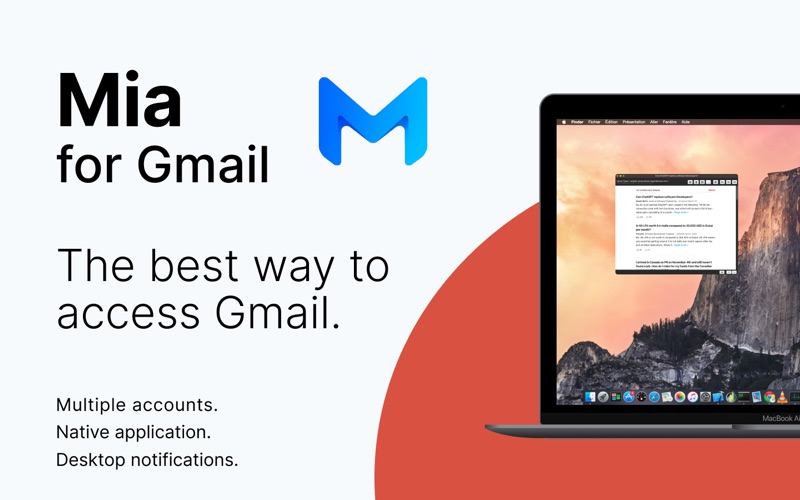
Managing your inbox shouldn't require keeping a heavy browser tab open all day. Mia for Gmail Mac email notifier offers a streamlined, lightweight solution designed specifically for macOS users. Developed by Stephane Queraud, this specialized e-mail utility sits quietly in your menu bar, giving you instant access to your messages without disrupting your workflow.
Rather than acting as a bloated, resource-heavy desktop client, the Mia for Gmail Mac email notifier focuses on speed and accessibility. It integrates directly with the secure Gmail API via OAuth 2.0, ensuring your credentials remain completely safe while providing real-time updates on your incoming mail.
Key Features: What Can You Do with Mia for Gmail?
This utility is packed with practical tools designed to help you triage your inbox in seconds. Here is what you can do directly from the menu bar interface:
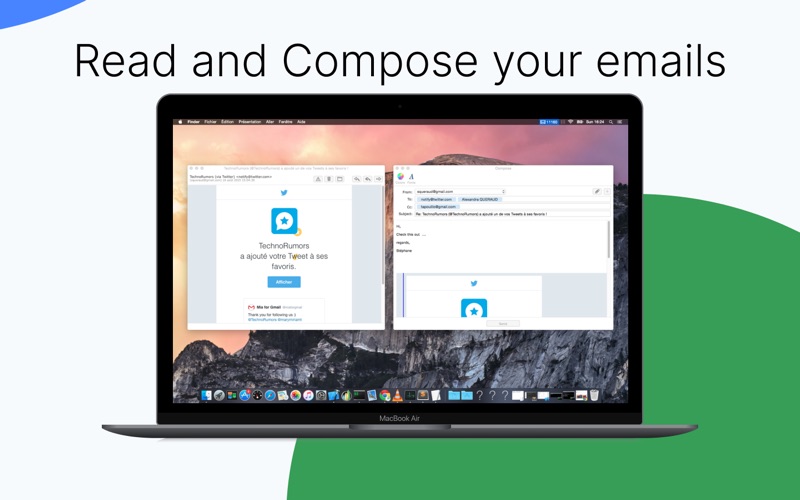
- Read and Compose: View incoming messages and write quick replies with full support for file attachments, entirely outside of your web browser.
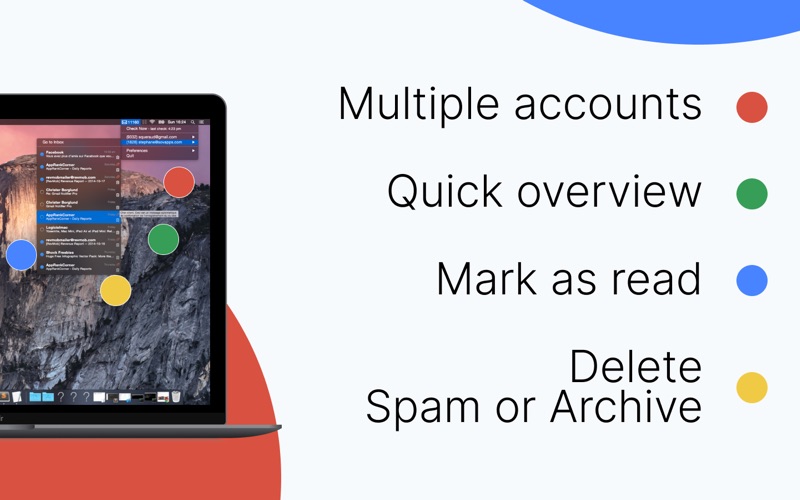
- Inbox Triage: Mark emails as read, delete them, send them to spam, or archive them with a single click.
- Quick Overview: Simply hover your mouse pointer over an email header to get an instant preview of the message content.
- Label Selection: Stay organized by filtering and viewing specific Gmail labels directly within the application.
- Customizable Alerts: Receive native macOS desktop notifications with your choice of system alert sounds to stay informed without being distracted.
- Visual Themes: The interface fully supports system Dark Mode, blending seamlessly into your macOS aesthetic.
Upgrading Your Workflow with Premium Features
While the free version of the Mia for Gmail Mac email notifier is highly capable for a single inbox, users with demanding workflows can opt for the Premium upgrade. This unlocks advanced capabilities, including:
- In-App Search: Quickly locate specific past conversations or files without opening a browser tab.
- Multiple Account Support: Monitor and manage several Gmail accounts simultaneously, switching between them seamlessly from the same menu bar icon.
Is It Right for You?
If you find yourself constantly distracted by keeping Gmail open in a browser tab, or if you simply want a fast, secure, and native-feeling way to monitor your inbox, this application is an excellent fit. It provides just the right balance of notification and management tools without slowing down your Mac.
To experience this streamlined email workflow for yourself, you can find the application available on the Mac App Store.
Rate the App
User Reviews
Other Apps in This Category


Popular Apps









Editor's Choice