

Latest Version
Christian Parpart
Security
Linux
Free
org.contourterminal.Contour
Report a Problem
More About Contour Terminal Emulator
A New Era for Command-Line Power Users
The Contour Terminal Emulator is a modern, fast, and modal virtual terminal emulator designed specifically to meet the demands of today's power users. Developed by Christian Parpart, this utility transforms how developers and system administrators interact with their command-line environment. Unlike traditional terminal applications, it prioritizes hardware-accelerated performance and deep customization to streamline complex workflows.
Unmatched Rendering Performance and Typography
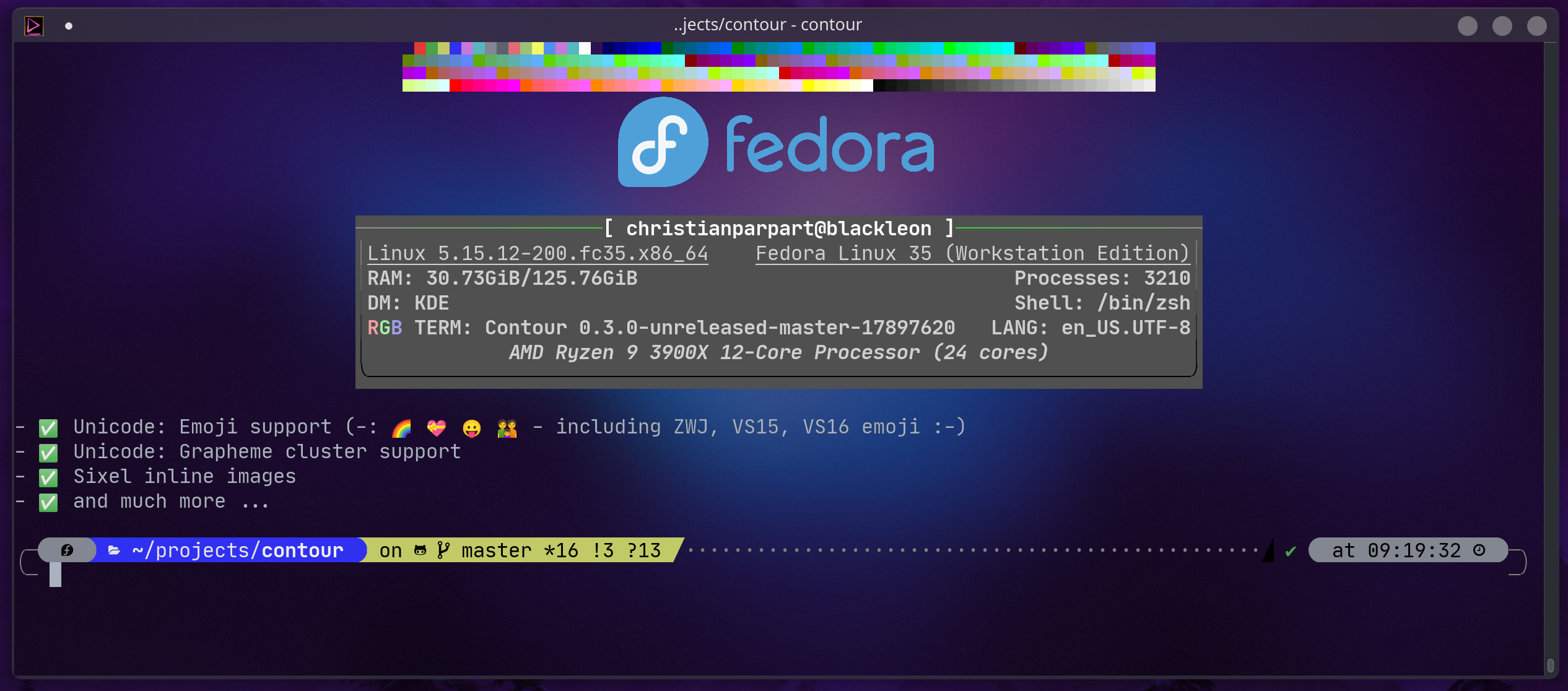
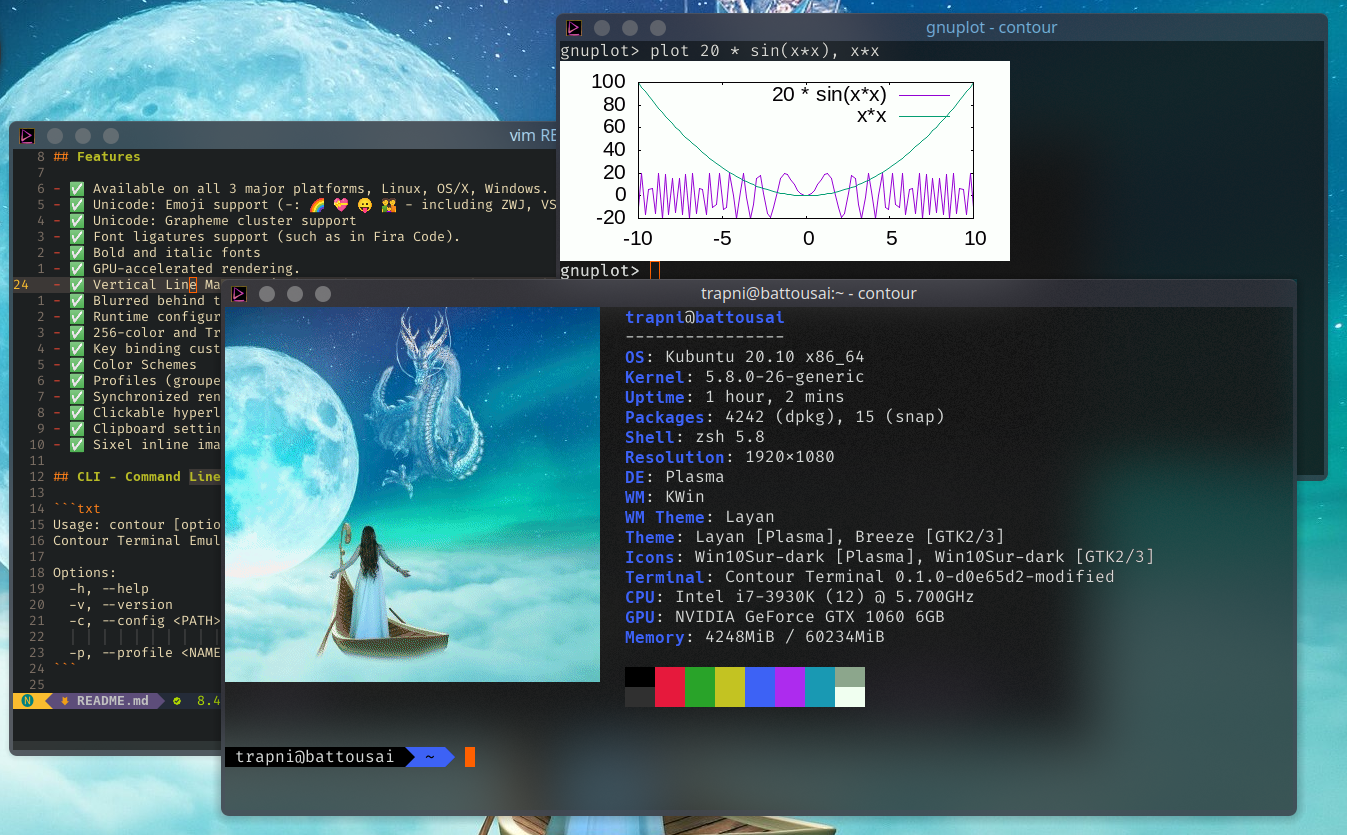
At the core of the Contour Terminal Emulator is its GPU-accelerated rendering engine. By offloading text rendering to the graphics processor, it delivers buttery-smooth scrolling and near-instantaneous response times, even when handling massive log files. Typography enthusiasts will appreciate the native support for font ligatures (such as those in Fira Code), bold and italic styling, and high-DPI scaling that ensures crisp text on modern high-resolution displays. Full Unicode support is also integrated, allowing for seamless rendering of complex emoji sequences and advanced grapheme clusters.
Modal Workflows and Advanced Navigation
One of the standout features of this emulator is its Vi-like input modes. Users can navigate, select, and copy text using familiar keyboard shortcuts, reducing reliance on the mouse. Key features include:
- Vertical Line Markers: Quickly jump to specific points in your command history.
- Sixel Graphics: Render inline images directly inside your terminal window.
- Smart Configuration: Reload runtime configurations on the fly without restarting your session.
- Visual Customization: Personalize your workspace with profiles, color schemes, and blurred transparent backgrounds on supported window managers.
Built for Modern Security and Efficiency
Categorized under security and utility tools, the Contour Terminal Emulator includes specialized features like a read-only mode. This safeguard prevents accidental user input—such as an unintended Ctrl+C—from interrupting critical running processes. With support for synchronized rendering, text reflow, and clickable hyperlinks via OSC 8, it bridges the gap between classic terminal functionality and modern user interface expectations.
Is Contour Right for Your Workflow?
Whether you are managing remote servers or writing code locally, this terminal offers the speed and modern feature mindset required for highly productive environments. To explore this powerful tool further or to set it up on your system, visit the official store page on Flathub today.
Rate the App
User Reviews
Popular Apps









Editor's Choice